

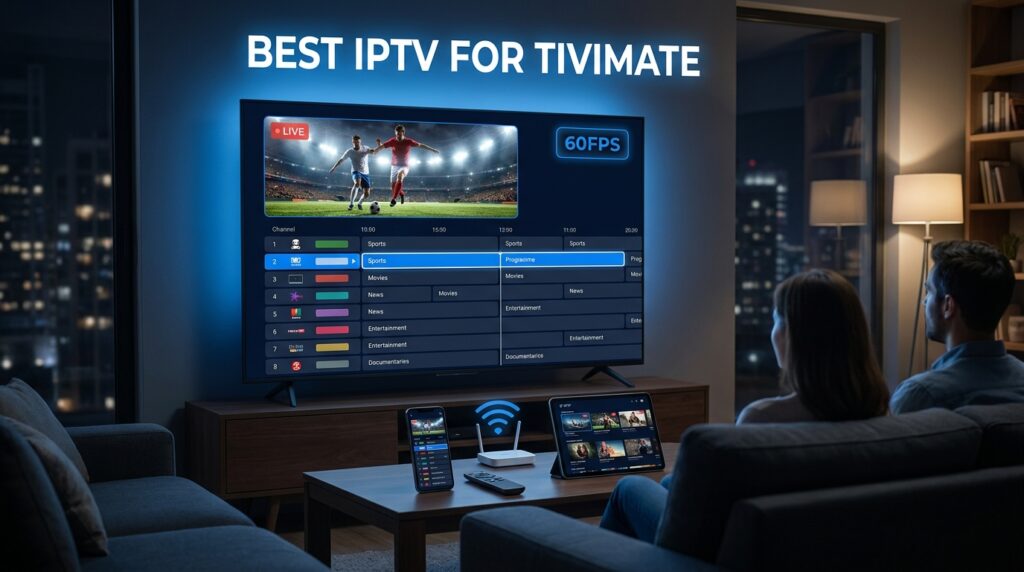
Why TiviMate Is Only as Good as Its Service
TiviMate delivers television over your internet connection through a service you supply, as the Wikipedia entry on Internet Protocol Television explains.
Here is the key insight most people miss. TiviMate is a player, not a source. It takes what a service gives it and presents it beautifully.
That means the best IPTV for TiviMate is not about the app at all. It is about the service behind it:
- The service provides the streams TiviMate plays
- The service supplies the EPG data TiviMate displays
- The service determines stability, resolution, and frame rate
- TiviMate simply makes all of that look polished
Give TiviMate a great service and it shines. Give it a weak one and even the best player cannot save the experience.
What TiviMate Needs From a Service
This deserves the first substantive section, because it defines the whole search.
TiviMate has specific requirements to work at its best. The best IPTV for TiviMate meets all of them:
- Xtream Codes login, which TiviMate strongly prefers over plain M3U
- Accurate EPG data, since TiviMate’s guide is its signature feature
- Stable, high-frame-rate streams for smooth sports playback
- Reliable server uptime, so the guide and streams stay live
- Catch-up support, which TiviMate can display when the service provides it
A service missing these leaves TiviMate’s best features empty. The premium guide sits blank without EPG data, and the smooth interface stutters on unstable streams. Matching the service to TiviMate’s strengths is the entire task. Compare a service built for this on our full IPTV channels list.
Requirement One: Xtream Codes Login
The first thing the best IPTV for TiviMate provides is the right kind of login.
TiviMate works with two login types, but strongly favors one. As experienced users know, Xtream Codes credentials unlock TiviMate’s full feature set, while a plain M3U link offers a more basic experience.
Why Xtream Codes matters for TiviMate:
- It enables the full EPG and catch-up features
- It allows smoother channel management and grouping
- It updates more reliably than a static M3U link
- It is the format TiviMate was designed around
When choosing the best IPTV for TiviMate, confirm the service offers Xtream Codes login, a username, password, and server URL, not just an M3U file. This single detail unlocks most of what makes TiviMate great.
Requirement Two: Clean, Accurate EPG
The second requirement is the one TiviMate is famous for.
TiviMate’s electronic program guide is the best in the business, but it can only display data the service supplies. The best IPTV for TiviMate delivers a full, accurate EPG.
What good EPG data means in practice:
- Every channel shows correct now-and-next information
- Program times match the actual broadcast schedule
- The guide covers days ahead, not just the current show
- Channel names and logos populate correctly
A service with poor EPG data turns TiviMate’s beautiful guide into a grid of blanks and question marks. Since the guide is why many people choose TiviMate, EPG quality is non-negotiable in the service behind it.
Requirement Three: Stable, High-Frame-Rate Streams
The third requirement is where sports fans especially feel the difference.
TiviMate plays whatever the service sends, at whatever frame rate and stability the service provides. The best IPTV for TiviMate delivers smooth, high-frame-rate streams.
Why this matters through TiviMate:
- 60FPS sports streams look fluid, 30FPS streams stutter
- Stable servers mean TiviMate’s playback never freezes
- Consistent bitrate keeps the picture sharp during motion
- Backup feeds keep big events running when demand peaks
TiviMate’s smooth interface makes stable streams feel premium, but it cannot invent stability the service lacks. The frame rate and uptime come entirely from the subscription. Explore how our streams perform on the IPTV Verse pricing page.
Requirement Four: Catch-Up Support
The fourth requirement unlocks one of TiviMate’s most useful features.
TiviMate can display catch-up, letting you replay recent programs, but only when the service supports it. The best IPTV for TiviMate provides working catch-up data.
What catch-up adds to TiviMate:
- Replay games and shows you missed within a rolling window
- Scroll back through the EPG to watch earlier broadcasts
- Rescue overnight sports that aired while you slept
- Turn TiviMate into a full time-shifting experience
Without service-side catch-up, TiviMate’s rewind feature simply does nothing. If catch-up matters to you, confirm the service supports it, since TiviMate cannot add it alone.
How to Test a Service With TiviMate
Practical steps, because the best IPTV for TiviMate reveals itself in a quick test.
Run any candidate service through TiviMate before committing:
- Add the Xtream Codes login and confirm it connects cleanly
- Check the EPG populates fully across your channels
- Play a live sports stream and watch for smoothness at 60FPS
- Scroll back in the guide to test catch-up, if offered
- Watch during peak hours to confirm stability under load
If the service passes all five inside TiviMate, you have found a genuine match. If the EPG is blank or streams stutter, the service is the problem, not the player. A trial makes this test free. Our 24 hour trial is built for exactly this kind of check.
Is Using IPTV With TiviMate Legal and Safe?
A straight answer serves better than reassurance. TiviMate itself is completely legal, it is just a media player. Legality depends on the service you load into it, specifically whether that operator licenses what it distributes.
Choosing a transparent service is what keeps you safe, and the U.S. Copyright Office sets out how content rights operate. The player is neutral, the subscription is what matters.
Signals of a trustworthy service for TiviMate:
- Xtream Codes login offered, not just M3U
- A trial so you can test the EPG and streams first
- Verifiable channels you can search by name
- Clear pricing within a believable band
- Responsive support for setup help
Review our approach on the IPTV Verse about page and our full terms and conditions.
Bandwidth: What TiviMate Needs to Perform
Even the best IPTV for TiviMate cannot beat a weak connection. Per the FCC Broadband Speed Guide:
- HD streaming: around 10 Mbps per stream
- Ultra HD 4K: 25 Mbps per stream
- 60FPS sports: aim higher, since frame rate adds data
TiviMate displays what your connection delivers, so confirm your speed at Speedtest.net before blaming the app or service for buffering.
Four quick fixes solve most TiviMate playback issues:
- Keep your device close to the router or use ethernet
- Clear TiviMate’s cache occasionally
- Restart your device weekly
- Close background apps to free memory
The Best IPTV for TiviMate Checklist
Before you subscribe, confirm the service gives TiviMate what it needs:
- Xtream Codes login, for the full feature set
- Accurate EPG, to fill TiviMate’s signature guide
- 60FPS stable streams, for smooth sports
- Catch-up support, if you want time-shifting
- A trial, to test all of the above inside TiviMate first
Tick all five and TiviMate will look and feel premium. Miss them and the finest player on the market runs empty.
Who Benefits Most From Matching Service to TiviMate
Strong fit:
- TiviMate users wanting the full EPG and catch-up experience
- Sports fans needing smooth 60FPS through TiviMate
- Power users who value a polished, reliable guide
- Anyone who already invested in TiviMate Premium
Weaker fit:
- Viewers happy with a basic M3U setup
- Anyone unwilling to test the service in TiviMate first
For committed TiviMate users, matching the service to the player is what unlocks the experience you upgraded for.
Frequently Asked Questions About the Best IPTV for TiviMate
What makes the best IPTV for TiviMate?
A service offering Xtream Codes login, accurate EPG data, stable 60FPS streams, and catch-up support. TiviMate displays these beautifully, but only if the service provides them.
Does TiviMate need Xtream Codes or M3U?
TiviMate works with both, but Xtream Codes unlocks its full feature set, including the complete EPG and catch-up. The best IPTV for TiviMate offers Xtream Codes.
Why is my TiviMate guide empty?
Because the service is not supplying EPG data. TiviMate’s guide only displays what the subscription provides, so blank guides are a service problem, not a player fault.
Can TiviMate fix buffering on its own?
No. TiviMate plays what the service sends. Stable, high-frame-rate streams come from the subscription, so buffering points to the service or your connection.
How do I test the best IPTV for TiviMate?
Use a trial. Add the Xtream Codes login, check the EPG fills, play live sports for smoothness, and test catch-up, all inside TiviMate before paying.
Closing Assessment
The best IPTV for TiviMate is not a question about the app, it is a question about the service behind it. TiviMate is already the finest player available. What decides your experience is whether the subscription feeds it a clean Xtream Codes login, accurate EPG data, stable 60FPS streams, and working catch-up.
Match those four to TiviMate and the player delivers everything you upgraded for: a gorgeous, accurate guide and buttery-smooth playback. Test any service inside TiviMate with a trial first, confirm the EPG fills and the streams hold, and you will know within minutes whether you have found the service that makes TiviMate shine.
Ready to see TiviMate at its best? Start your 24 hour IPTV trial and load it into TiviMate to test the EPG and streams before committing, full access, zero risk. Prefer to ask first? Message us on WhatsApp at 212 783-138394 and we will help you set it up. If this best IPTV for TiviMate guide helped, pass it on.